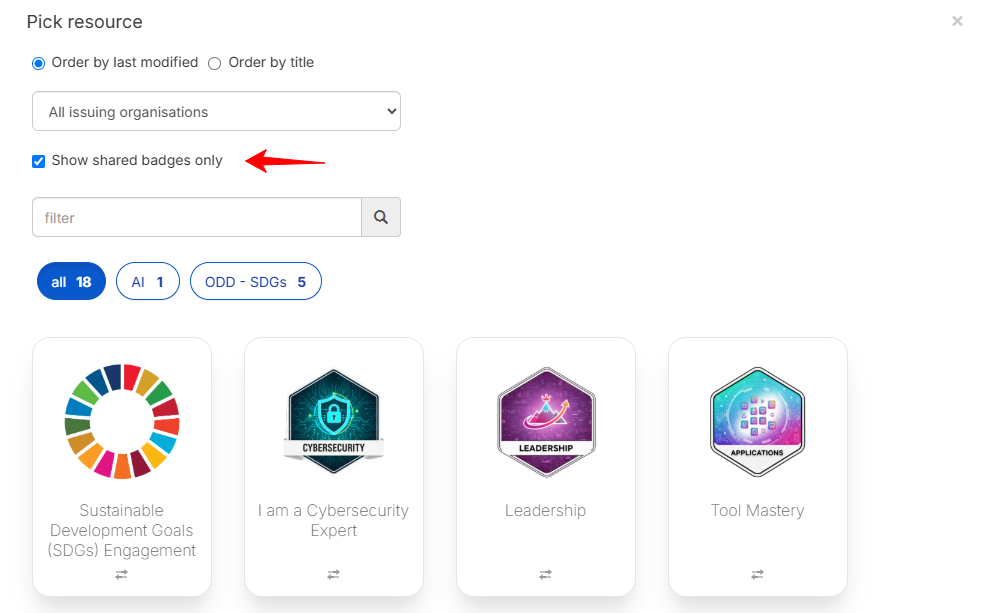
Badges shared by an organisation's network (see Badges shared with us) can be shared in two ways: as a copy or as a link.
- Shared as a copy:The badge can be edited, but only by a user with the Creator or Admin profile. It appears in the Badge Library of the Creator Tools section.
- Shared as a link: Only the organisation that originally owns the badge can edit it. The badge is available for issuing only, under Issuer Tools. Although the Creator or Admin cannot edit it, they can still create badge application forms associated with this shared badge.
Was this article helpful?
That’s Great!
Thank you for your feedback
Sorry! We couldn't be helpful
Thank you for your feedback
Feedback sent
We appreciate your effort and will try to fix the article